
Installation
How to install and configure the Multivendor App.
Note: This is a beta version of the Multivendor App. ETA January 2024.
Steps:
- Login to our website and after subscribing to the Multivendor App, there will be a field to enter your Shopify domain name. (including the myshopify.com part)
- Enter your domain name on the field and wait for the email with the installation link.
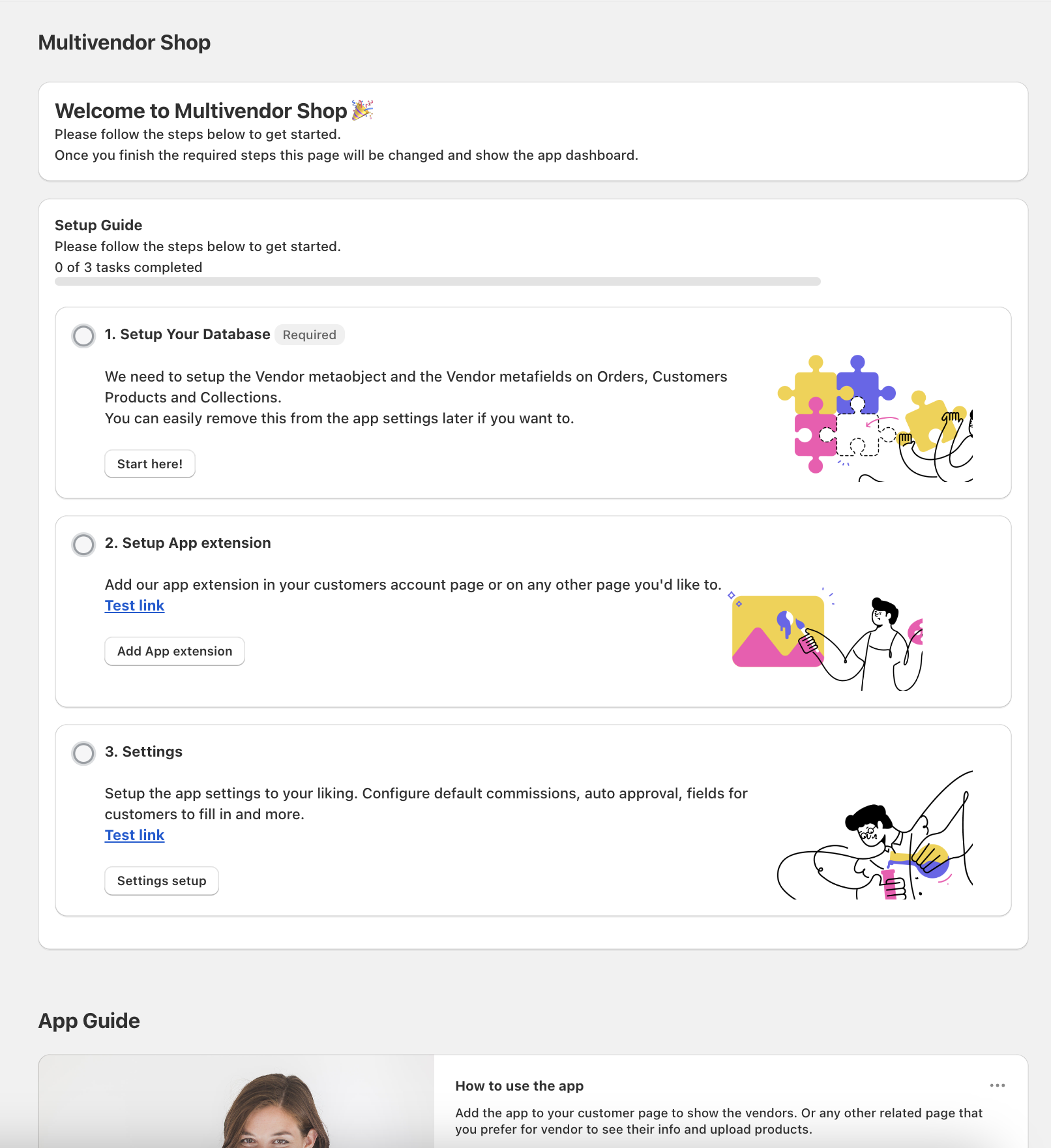
- Setup your Multivendor App by following the steps on the dashboard.
Features
Select a feature below to learn more about it.